Virtual labs
Virtual engineering lab: nine departments, one campus
A virtual engineering lab is a 3D laboratory that learners enter on a screen or in a headset instead of a workshop. iUNI runs one live campus with nine lab departments. It opens in a desktop browser or a WebXR headset browser, with AI lecturers and shared spaces for learning together.
Live at lab.iuni.ai · no install needed
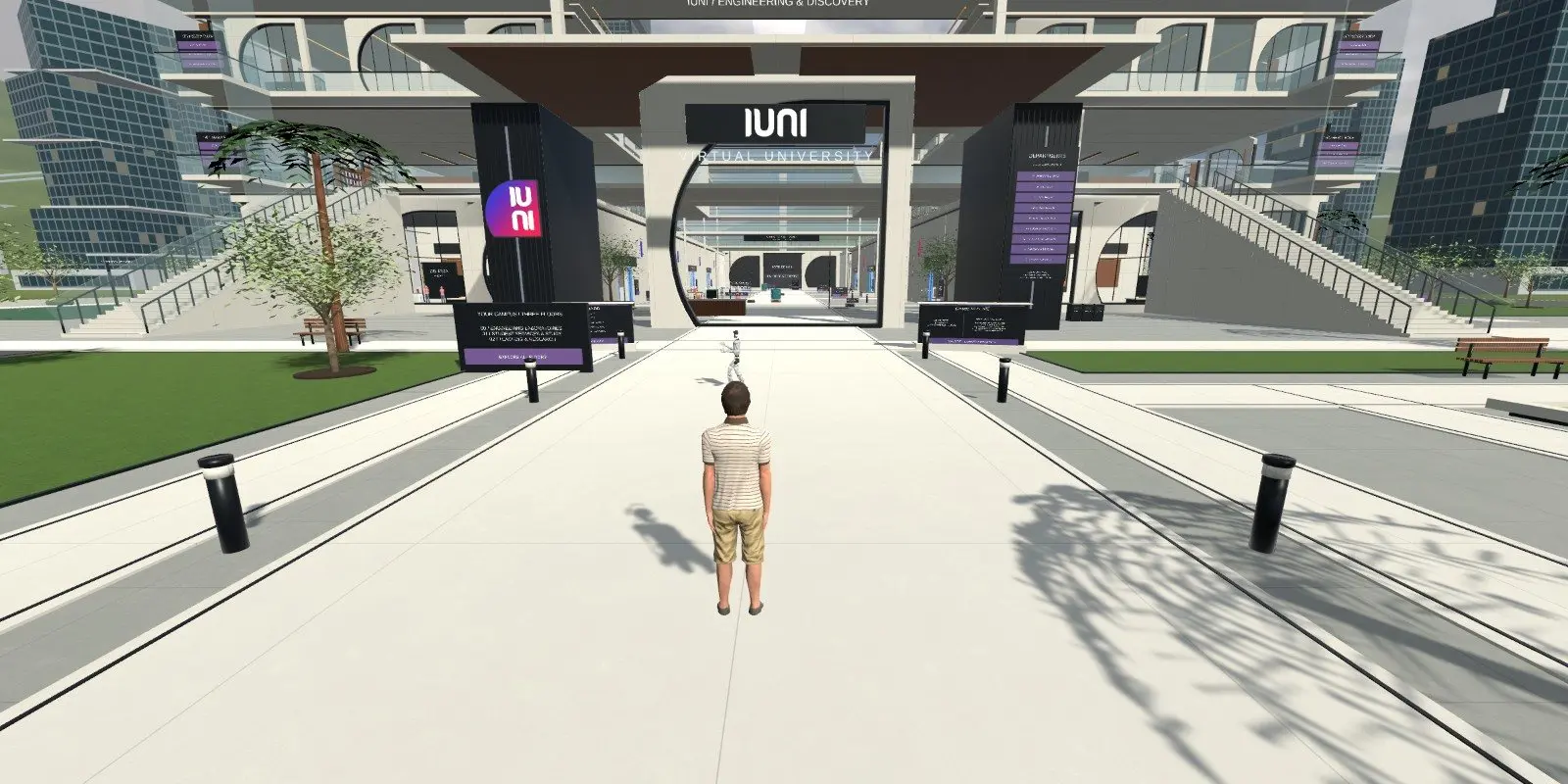
What is inside the iUNI virtual labs for engineering?
The campus at lab.iuni.ai is a walkable 3D site. Each department is a room or group of rooms with its own equipment. Learners find a room through the lab library, then walk up to the equipment and use the controls on screen.
Departments are listed below. Each one has its own page with more detail.
- Robotics and Mechatronics: a shared production line with a conveyor, a palletising robot, an autonomous mobile robot and a humanoid station.
- Electrical Engineering: components, a tool station and a bounded circuit exercise.
- Computing and AI: a small working data centre with racks, a console and an AI training exercise.
- Chemical and Process: glassware, process rigs and a water-process teaching model.
- Energy: storage tanks, pipework and plant equipment.
- Aerospace: avionics benches and exhibits.
- Mechanical: the mechanical engineering department.
Which virtual lab software departments are available?
The live guides at lab.iuni.ai/explore describe the activities in each lab that has one. The guides also say plainly that these are teaching simulations, not validated plant or safety tools.
| Lab | What you find there | Live guide |
|---|---|---|
| Robotics and Mechatronics | Conveyor, palletising robot, AMR, humanoid station | Yes |
| Electrical Engineering | Components, tool station, circuit exercise | Yes |
| Computing and AI | Data centre racks, console, AI training exercise | Yes |
| Chemical and Process | Glassware, process rigs, water treatment | Yes |
| Energy | Storage tanks, pipework, plant equipment | Not yet |
| Aerospace | Avionics benches and exhibits | Not yet |
| Mechanical | Mechanical engineering department | Not yet |
Is there a multi-user virtual lab?
Yes. The campus is shared, so learners can be in the same space at the same time. In the robotics lab, for example, everyone shares one production scenario. One person holds the line console at a time, and others can watch and use the shared stop. Nearby learners can talk if they choose to switch voice on.
AI lecturers in the departments answer questions about what is on screen. Learners can ask why a circuit changed state or why a workload stalled, and get an explanation tied to what they see.
How do you open a browser based virtual lab?
Open https://lab.iuni.ai in a desktop web browser, enter a display name and choose whether to switch your microphone on. There is nothing to install. On a VR headset, open the same address in the headset browser, for example the Meta Quest browser, and use the WebXR entry.
A headset is optional. Colleges and training providers can start with the browser on existing computers and add headsets for sessions where immersion helps.
Who are the virtual labs for?
Colleges and universities can use the labs to give students practice time between timetabled workshop sessions. Training providers can use them for induction and revision. Employers can use them to let new starters see how a process fits together before they work near real equipment.
The labs complement physical workshops. They do not replace hands-on work with real tools, and they do not replace mandatory safety instruction.
What else is in the campus?
Alongside the seven labs on this page, the campus has an Automation lab with shared industrial workflows and a Civil room, which makes nine lab departments in all. There is also a robotics arena and student facilities on the upper level. The automation guide is at lab.iuni.ai/explore/automation-lab/.
Explore each lab department
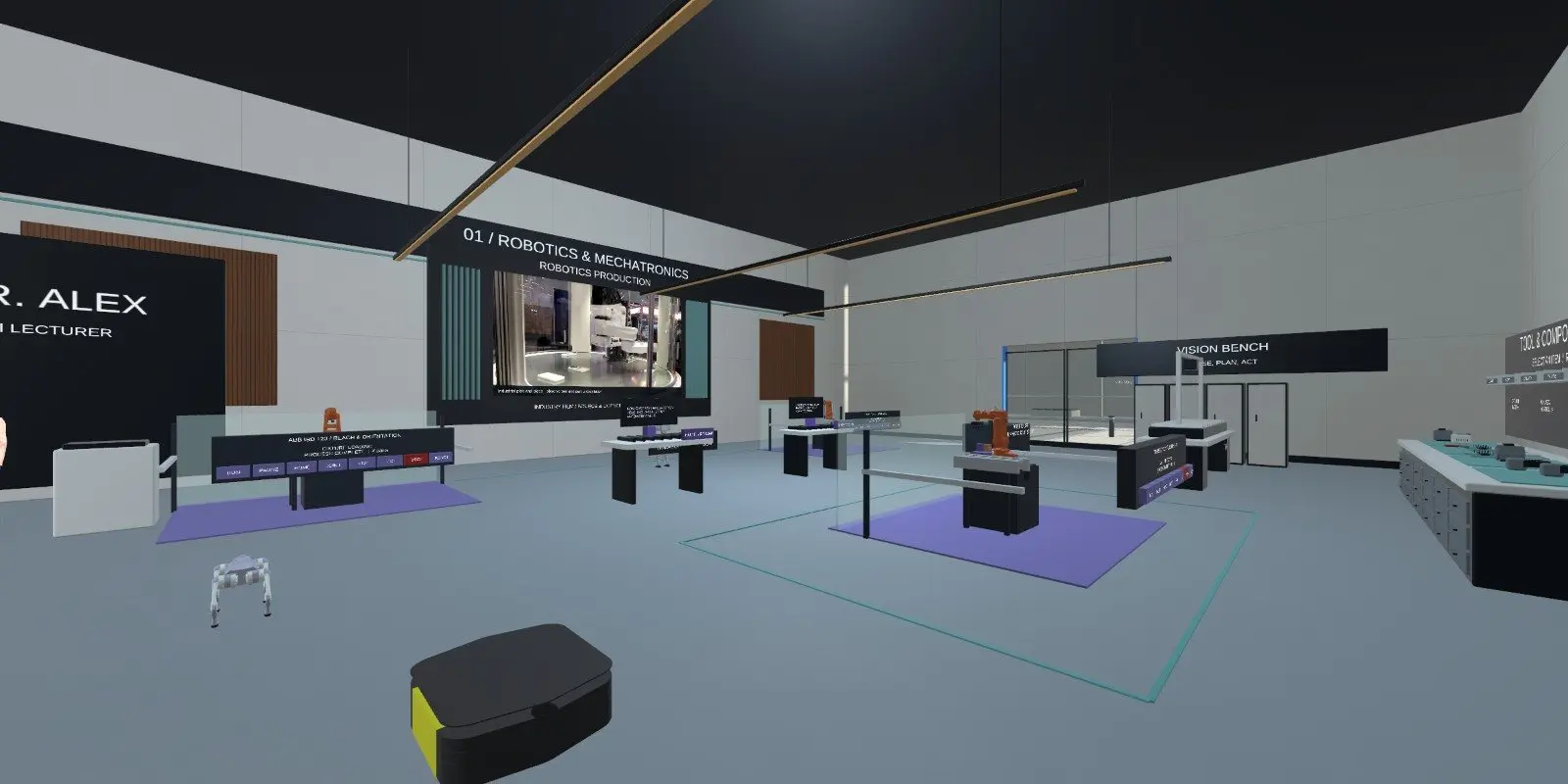
Robotics & Mechatronics
A shared conveyor, palletising robot, mobile robot and humanoid station to practise on.
See the lab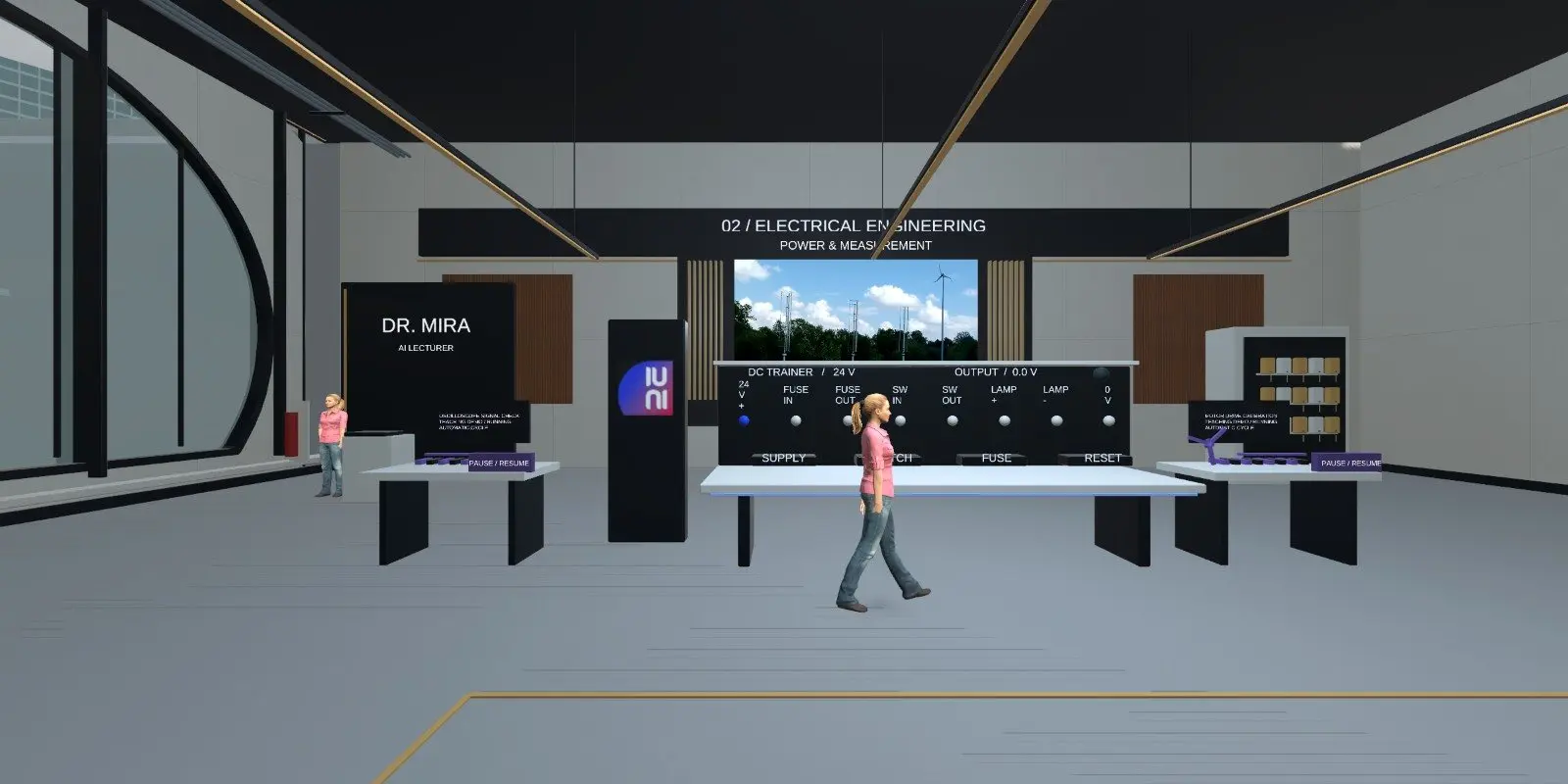
Electrical Engineering
An electrical room with a tool station, components and a circuit exercise.
See the lab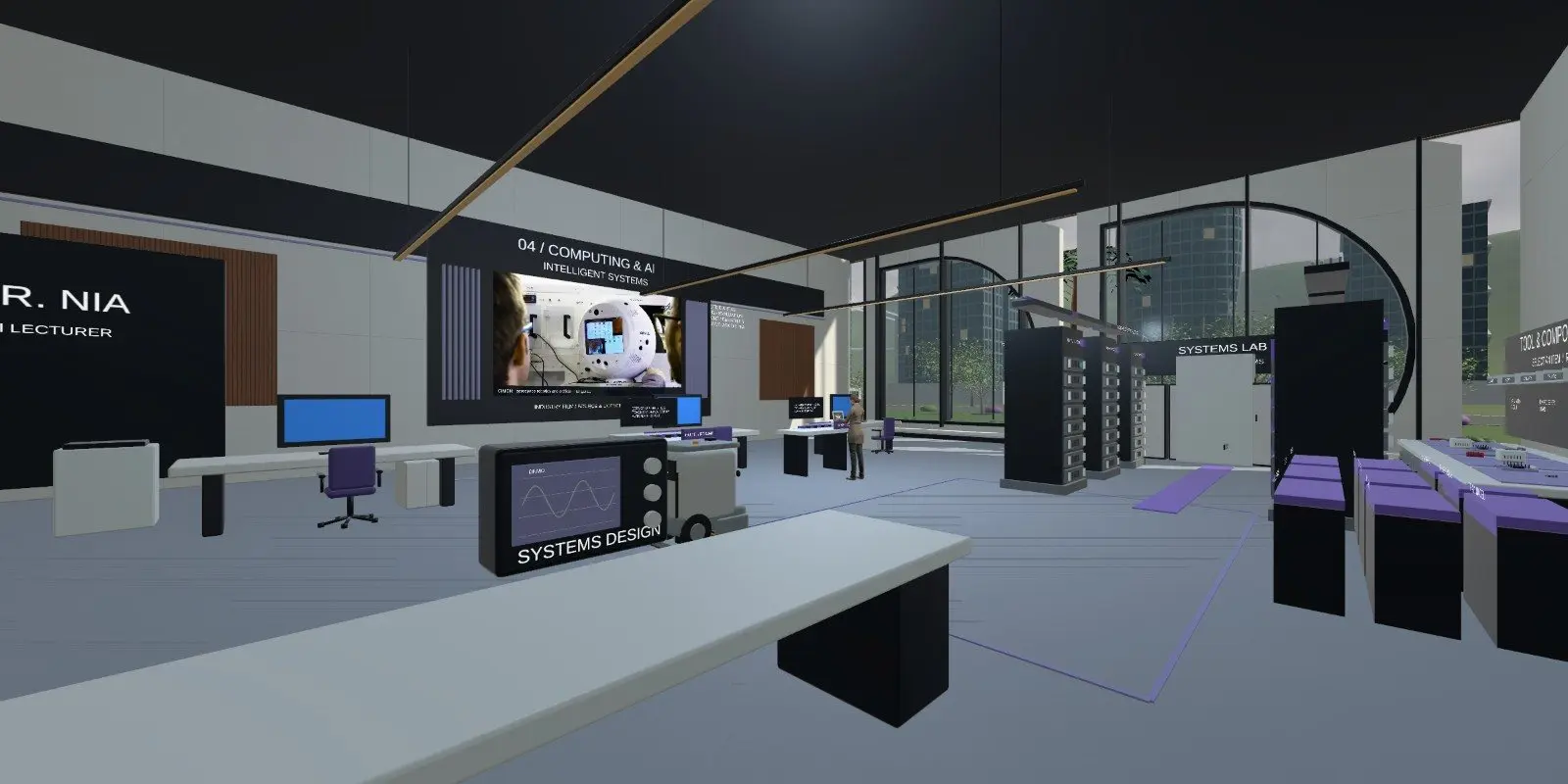
Computing & AI
A small simulated data centre with racks, a console and an AI training exercise.
See the lab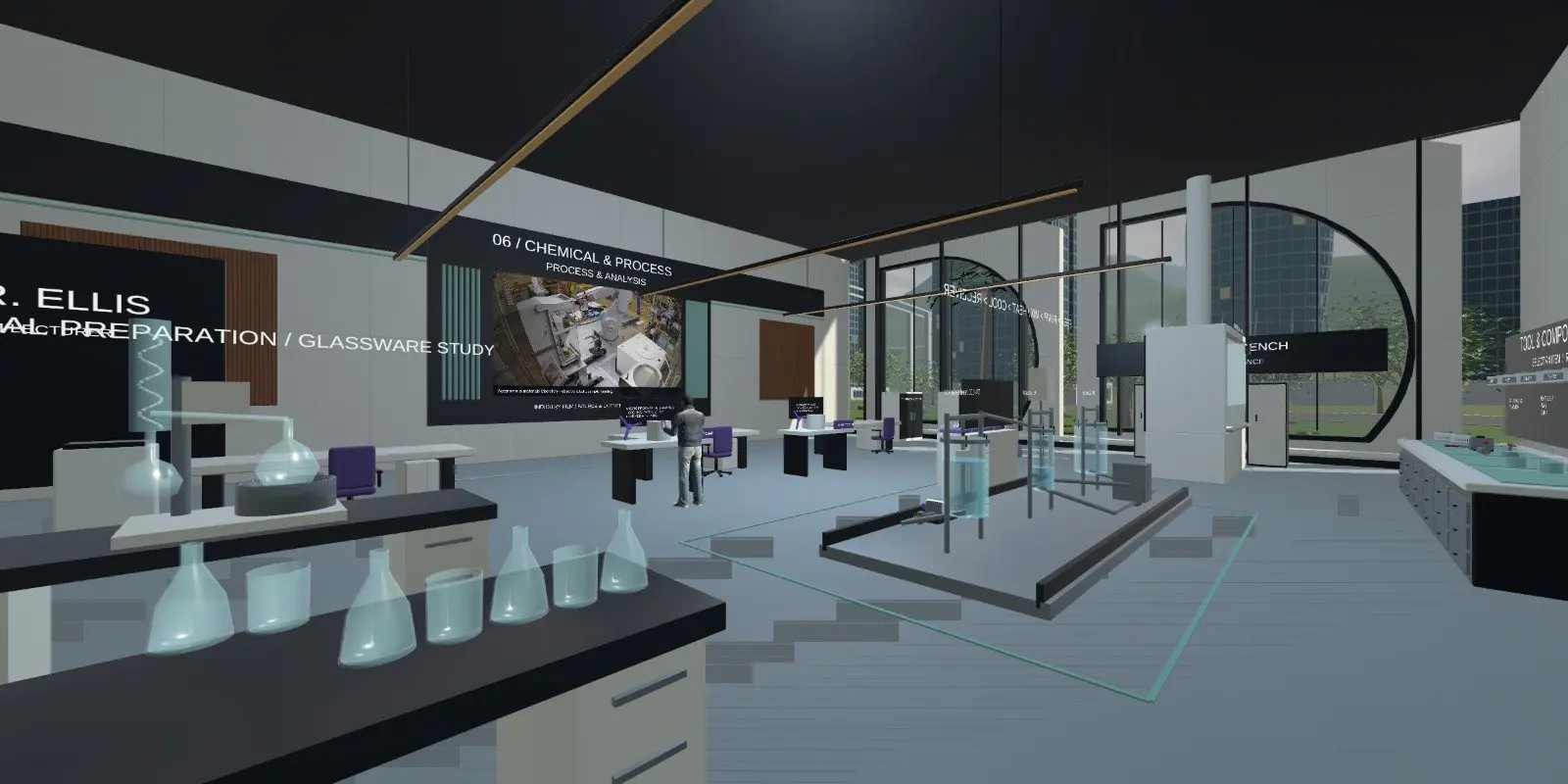
Chemical & Process
Glassware, process rigs and a water-process model with tanks, mixing and heat input.
See the lab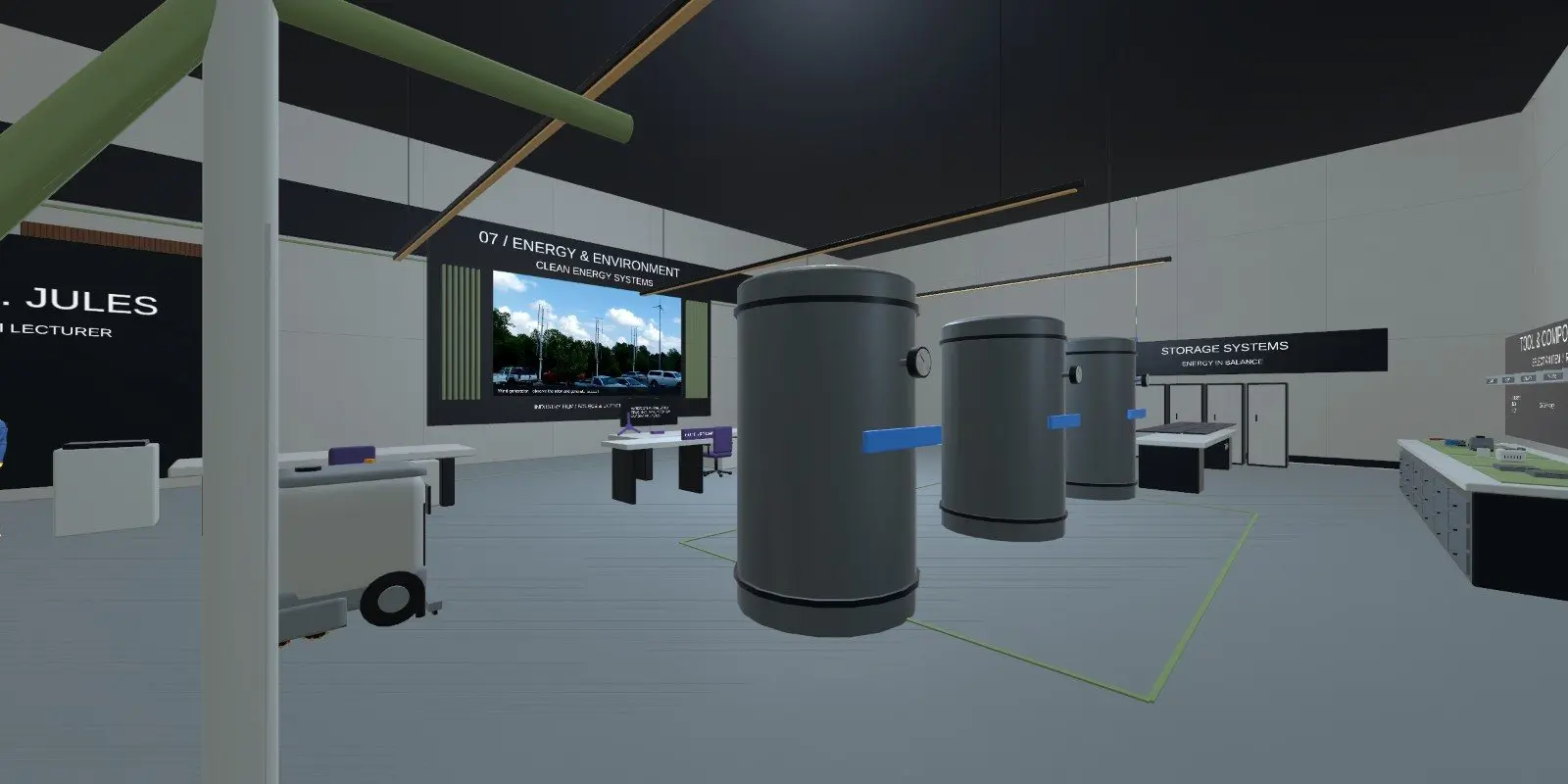
Energy
Storage tanks, pipework and plant equipment in the Energy department.
See the lab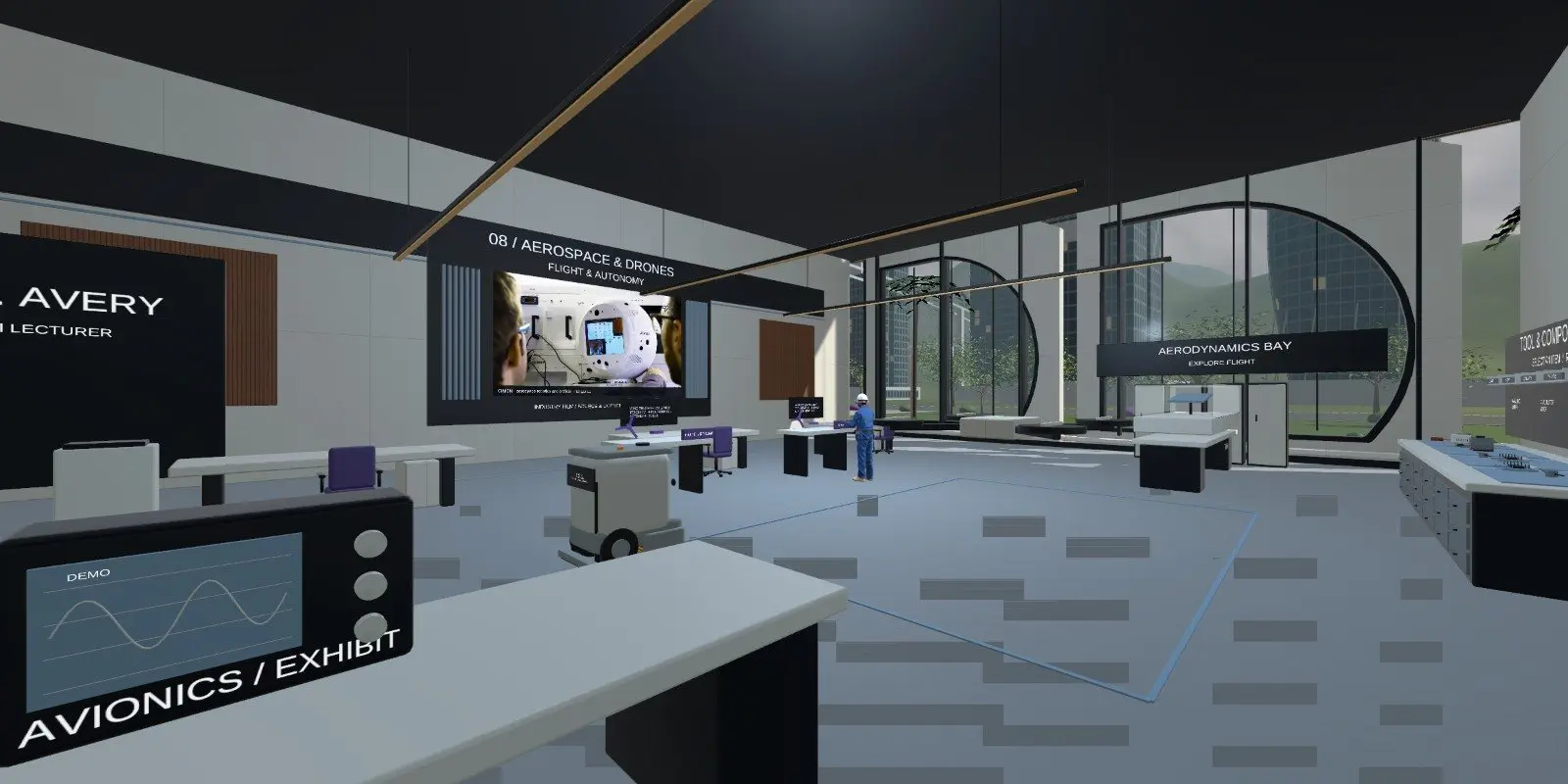
Aerospace
Avionics benches and exhibits in the Aerospace department.
See the lab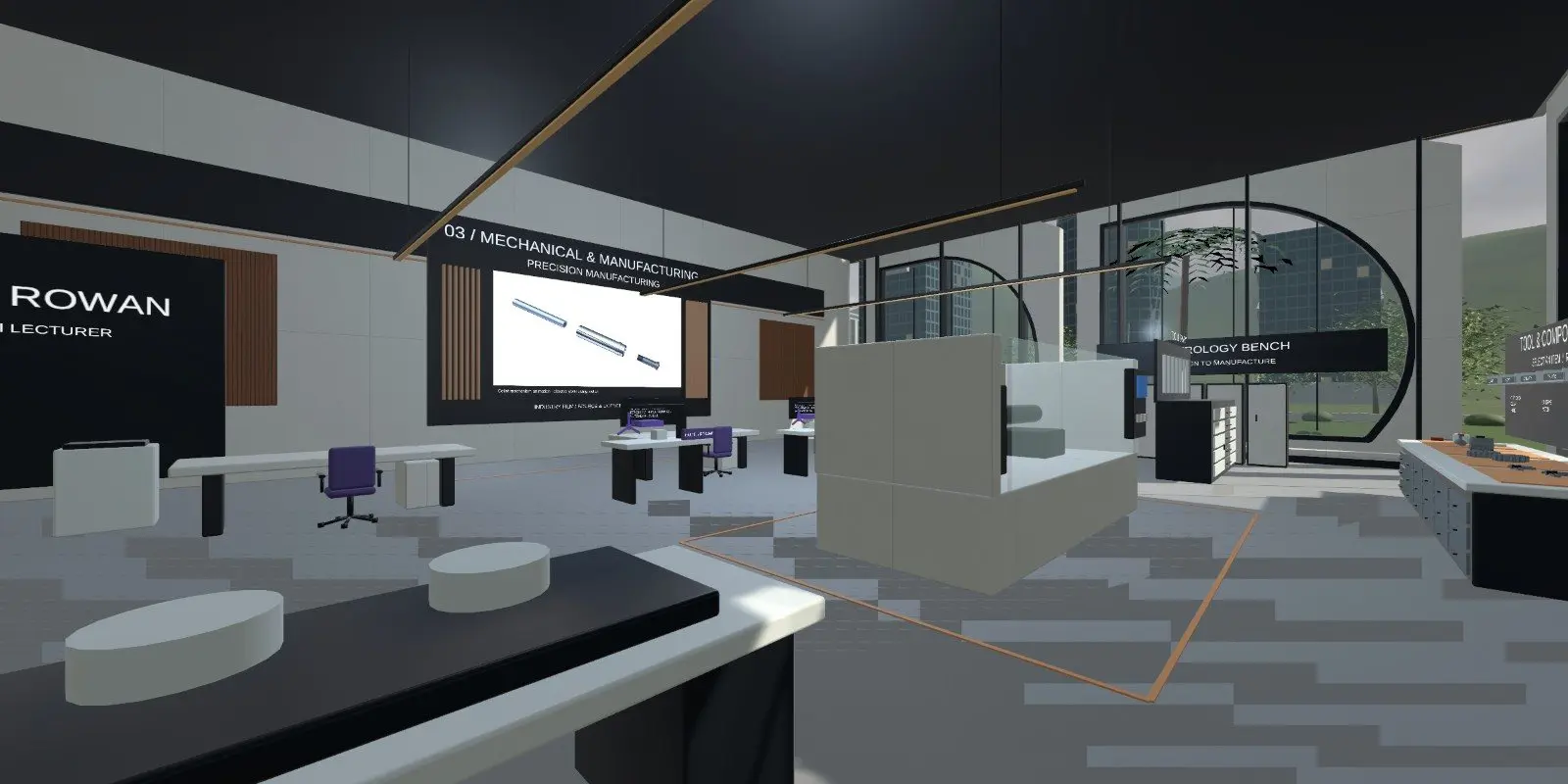
Mechanical
The Mechanical department of the shared virtual engineering campus.
See the labQuestions people ask
What is a virtual engineering lab?
A virtual engineering lab is a 3D teaching space where learners use simulated equipment through a screen or headset. At iUNI, the labs sit in one shared campus. Learners walk to a department, inspect equipment, change controls and watch how the system responds, with an AI lecturer on hand to explain.
Do I need a VR headset to use the labs?
No. The campus opens in a desktop web browser at lab.iuni.ai with nothing to install. Headsets are optional. If you have a WebXR-capable headset browser, such as the Meta Quest browser, you can open the same address and enter the campus in VR.
Can several students use a lab at the same time?
Yes. The campus is a shared multi-user space, so learners can be in the same room together. In shared scenarios such as the robotics line, one person holds the controls at a time while others observe, and voice is opt-in for nearby learners.
Are virtual labs the same as real labs?
No. They are teaching simulations. They suit repeatable practice, exploring how a system behaves and building understanding before time on real equipment. They do not give the feel of real tools or real hazards, so they work best alongside a physical workshop.
How do I try the labs with my college or company?
Use the demo-request form on the contact page, or email info@wartens.com. You can also open the live campus yourself at lab.iuni.ai and read the lab guides at lab.iuni.ai/explore. We can then talk through which departments suit your courses and how your learners would use them.
Related
See it with your own programmes
Tell us what you teach or train, roughly how many learners, and your timeline. We'll show you how iUNI fits.